Seedance 2 is now available in Ella!
Seedance 2 is now available in Ella!
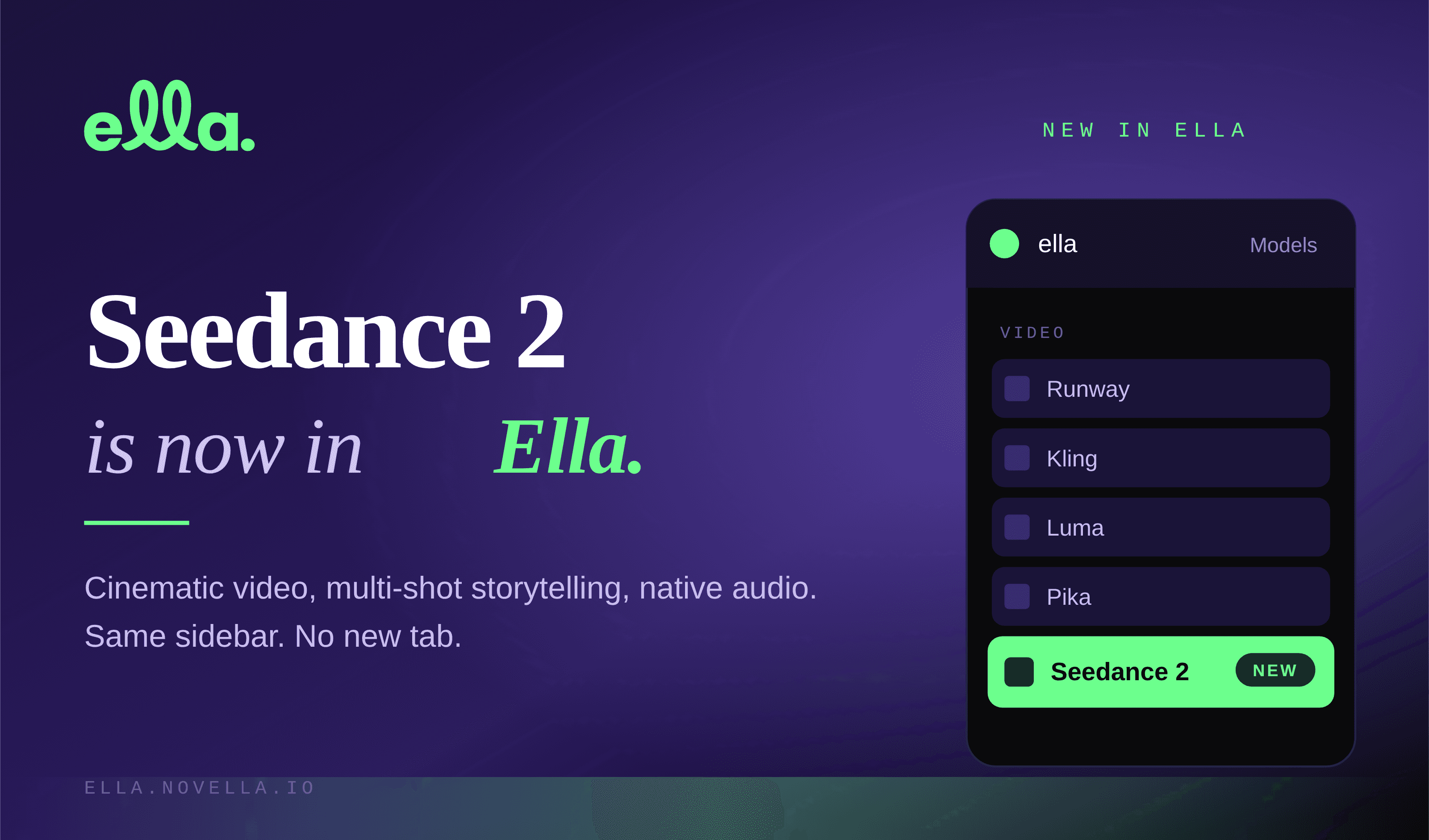
You asked. It's in the sidebar.
Seedance 2, ByteDance's latest cinematic video model, is now available inside Ella. You can generate with it right alongside Runway, Pika, Kling, Luma, Midjourney, and every other model you already use in your workflow. No new account. No new tab. No new subscription.
Just open the sidebar and pick Seedance 2 from the model list.
What Seedance 2 is good at
Seedance 2 isn't a reskin of what's already out there. It does a few things really well, and those things happen to be where a lot of creators were still hitting walls.
Multi-shot sequences with consistent characters. Most video models give you one shot. Seedance can plan and generate several shots in a single pass, and it holds the same character across them. Faces stay locked. Clothing stays locked. Style stays locked. That matters if you're building anything longer than a six-second clip.
Native audio in the same pass. Seedance generates sound with the video, not after it. Ambient noise, music, even synced dialogue. It's not a replacement for your audio workflow, but it cuts a whole step out of early drafts.
Strong physics and real-world motion. Fewer flickering frames. Fewer melted hands. More usable takes per generation. If you've been burning credits on retries, this will feel different.
Cinematic 1080p output. Clean enough to take into the timeline and actually cut. Sharp enough to survive a crop for vertical.
Why it lives in Ella
Every time a new model drops, the same thing happens. A new platform to sign up for. A new interface to learn. A new billing page to track. A new tab in your browser you forgot you had open.
We built Ella so you'd never have to do that again.
Seedance 2 is a great example of the point. If you're already working in Ella, you didn't have to do anything. The model just showed up in your sidebar, next to the ones you were already using. Generate with Seedance 2, send the output straight into your timeline, cut it against clips you made with Kling or Luma, drop in audio from ElevenLabs, export.
That's the workflow. One sidebar. Every model. One place your work lives.
How to try it
Open Ella from your browser sidebar.
Go to the video generation panel.
Pick Seedance 2 from the model dropdown.
Write your prompt, or drop in a reference image, or both.
Generate.
Seedance 2 runs on Ella credits, same as every other model. Which models you reach for is up to you. Some creators will want Seedance 2 for narrative, story-driven work and keep Kling for stylized motion. Others will test all of them against the same prompt and pick the winner. That's the point. You get to choose.
What we're working on next
More models are on the way. We're also deep into Ella V2, which takes the multi-model idea further and lets you chain outputs from different technologies into a single generative workflow. We'll have more to share on that soon.
If you try Seedance 2 and make something you're proud of, tag us. We're at @ellabynovella on Instagram and on Threads. We look at everything.
Happy generating.
The Novella team